



Create a Christmas Card with AI - for Businesses
AI image generators can produce a design in just a few minutes. Here we show you step by step how it works - and how to turn the result into an on-brand holiday mailing for your business.

Your AI Christmas Card in 5 Steps
From prompt to sent card, it takes five steps. You'll handle the first four in the AI tool of your choice; the last one decides whether your design becomes a professional Christmas mailing.
1. Describe your design in a prompt
Spell out exactly what you want: scene, style, colours and lighting. The more specific your prompt, the more usable the result. Example prompt: "Snowy winter landscape at dusk, watercolour style, warm candlelight, plenty of open space at the top for text"
2. Generate the design
Enter your prompt into an AI image generator and create several variations to choose from. That way you have a real basis for comparison instead of a single lucky shot. The overview in the next section shows which tool is best suited to what.
3. Add your greeting
Add your message, either directly in the image or in the editor on top of it. Short, specific greetings work best.
4. Adjust and review
Choose your format, match the colours to your corporate design and check the result for visual glitches, garbled text inside the image and overall brand fit.
5. Send
Export the finished design from your AI tool. What happens next depends on scale: for a handful of recipients, an email attachment will do. As soon as you need personalised salutations, a consistent look across multiple senders and a clear audit trail, you need a proper sending solution.
Which AI Tool Fits Which Purpose?
Three tools in particular work well for Christmas designs. Which one suits you depends on whether you only need an image or want artwork, layout and greeting to come together in a single step:
| Tool | Strength | Best suited for |
|---|---|---|
| Canva Dream Lab | Image and layout in one step | When artwork and card design should come from a single source - images are embedded directly into customisable card templates |
| Microsoft Copilot | Several image variations from one prompt | When you need a single design quickly and can do without further layout steps |
| ChatGPT | Artwork and greeting in the same conversation | When image and message should take shape together - the greeting can be written alongside it on request |
5 Ready-to-Use Prompts for Corporate Christmas Designs
The following prompts are designed for business use: calm areas for your logo and greeting, understated imagery, no faces. Copy the prompt, replace the details in square brackets with your colours or your industry, and enter it into the tool of your choice.
1. Classic and elegant
Elegant Christmas scene, dark blue background with gold accents, delicate snowflakes and a subtle glow of light, high-quality illustration, calm area in the upper third for text, no text in the image, landscape format 16:9.
2. Minimalist
Minimalist Christmas illustration, plenty of white space, a single stylised fir branch along the bottom edge, fine lines, reduced colour palette of [your primary colour] and grey, no text in the image, landscape format 16:9.
3. Winter landscape
Snowy winter landscape at dusk, watercolour style, warm candlelight in the distance, soft mist, muted blues and golds, plenty of open space at the top for text, no text in the image, landscape format 16:9.
4. Industry-specific
Festive Christmas design with a subtle nod to [your industry], typical elements only hinted at and stylised, wintry colour mood in blue and gold, understated and high-quality, calm area on the right for text, no text in the image, landscape format 16:9.
5. New Year instead of Christmas
Festive New Year design without religious symbolism, abstract light trails and fine golden particles on a dark background, an optimistic upward movement, calm area at the top for text, no text in the image, landscape format 16:9.
With these prompts you'll have a design within minutes. The more demanding part starts afterwards: turning that image into a card that fits your company, and getting it to every recipient.
Where the DIY AI Approach Falls Short for Businesses
AI generators are strong when it comes to a single design. But business Christmas mailings bring requirements an image generator simply can't cover - because they have nothing to do with images.
- Inconsistent results: Every prompt returns something different, often well off your corporate design. Getting a consistent look across all senders takes a lot of trial and error.
- Unclear image rights: Whether AI designs may be used commercially depends on the individual tool and isn't governed by any single standard.
- No actual sending: The tool only creates the image. Distribution to hundreds of recipients, personalised salutations and a clear audit trail are all down to you.
AI Design Meets On-Brand Delivery
Use your AI design as a starting point and turn it into a card that fits your company. Here's what Power eCard takes care of:
- Corporate Design
Centrally managed card designs in your corporate design, instead of random results that change every time.
- Mass mailings
Bulk sending to several thousand recipients, spread across any number of senders.
- Personalisation
Personalised salutation, closing line and signature are inserted automatically.
- Hosting in Germany
GDPR-compliant, hosted on a server in Germany, with logical tenant separation.
- Open tracking
Detailed insight into how your campaigns perform.
- Ready-to-use template in under 15 minutes
Use and customise over 100 designs - no prompt tuning, no trial and error.
How Your AI Design Becomes a Finished eCard
Your design is ready as an image file - now all it needs is the card around it. In Power eCard, you load the image into a template, add your logo, greeting and signature, and send the finished eCard to your contacts. Three things to keep in mind when exporting from your AI tool:
| What to check | Recommendation |
|---|---|
| File format | JPG or PNG. Choose PNG if your design has transparent areas or contains fine lettering |
| Resolution | At least 1,600 pixels wide. AI tools often export smaller files - upscaling won't bring the sharpness back, so it's better to generate at a larger size from the start |
| Aspect ratio | Landscape for the folding card, portrait for the mobile scroll card. Set the format in your prompt rather than cropping afterwards |
Also plan for calm areas for your logo and greeting right in the prompt - a design packed with detail all the way to the edges leaves almost no room for text later on. Which areas you should keep clear depends on the template you choose.
The template handles the rest: greeting, personalised salutation and signature are inserted automatically for each recipient, while the design stays the same across all senders. For how to upload and adapt your own designs, see our article create and design eCards.
Prefer a Ready-Made Design?
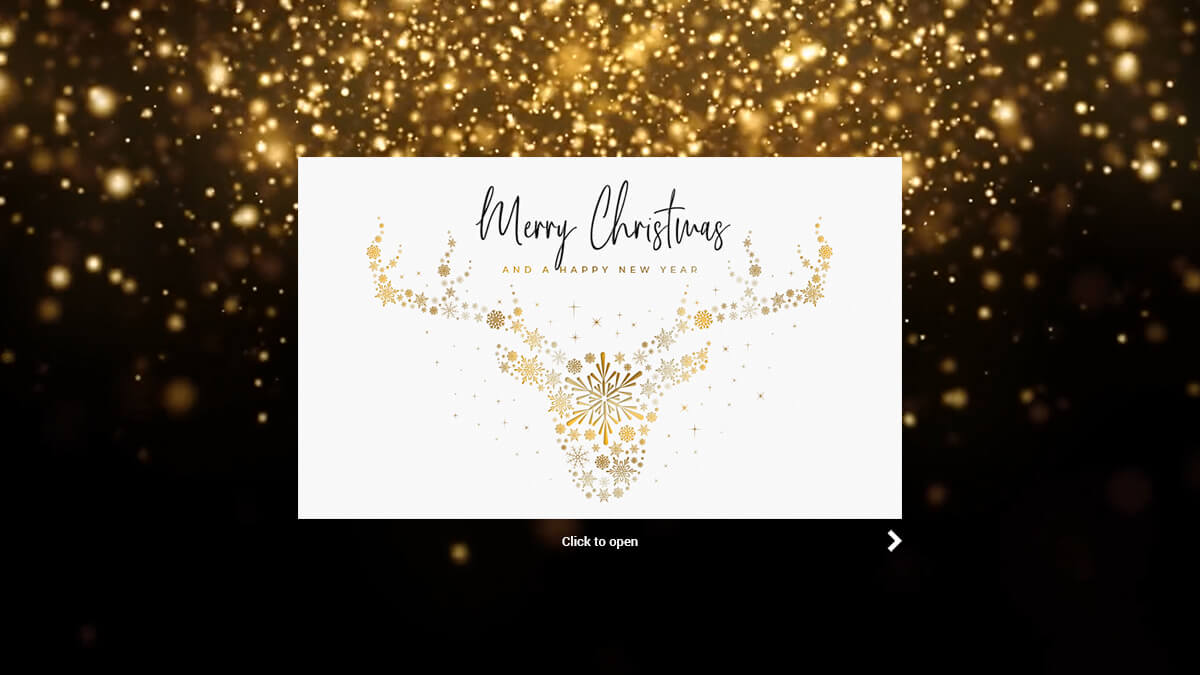
Over 100 free templates are available for Christmas - from the classic gold design as a folding card to the animated scroll card. Each design can be adapted with your logo, greeting and signature in just a few minutes. Alternatively, you can create an entirely custom design in your corporate design using the live editor.
Quick Answers
- Can I create a Christmas card entirely with AI?
Yes. With AI image generators like ChatGPT, Microsoft Copilot or Canva Dream Lab, you can create a design from a text prompt and then add your own greeting. For a consistent look across all senders, it's worth putting that design into a template that follows your corporate design.
- Which AI tool is best for Christmas cards?
- Canva Dream Lab (image + layout): Creates designs and embeds them directly into customisable card templates. A good choice when artwork and design should come from a single source.
- Microsoft Copilot (quick design): Produces several image variations from a single text prompt. Handy for a one-off design without any further layout steps.
- ChatGPT (image + text): Generates designs and, on request, writes a matching greeting to go with them. Its strength: image and message take shape in the same conversation.
ChatGPT and Microsoft Copilot are a good fit for quick one-off designs, while Canva Dream Lab combines artwork and layout in a single step. Which tool suits you depends on whether you only need a design or a finished card.
- Can I use AI-generated designs commercially?
Commercial use is governed by the terms of service of the respective tool and isn't subject to any uniform standard.
- How do I send the card to a large number of recipients?
AI tools only create the image. To send to several thousand recipients with personalised salutations and tracking, use an eCard solution like Power eCard that combines design and bulk sending in one place.
- How much work is it to turn an AI design into a finished eCard?
The design itself takes just a few minutes. Turning it into a ready-to-send eCard, including the recipient list and personalisation, usually takes under 15 minutes with Power eCard.
- When should a company send its Christmas card?
The second or third week of December is the usual choice. If you'd rather avoid the crowded inbox, send in early December or switch to a New Year greeting instead.
Christmas: all content at a glance
From picking a design to sending your holiday mailing -
find all guides, templates and tips for your Christmas greetings here.


